This article is an intentional rendering fixture. It uses Markdown syntax only, while Content Collections discovers, validates, and compiles the .mdx source.
Text formatting
Regular text can contain bold, italic, bold italic, strikethrough, and inline code. Escaped punctuation should remain literal: *not italic* and # not a heading.
A hard line break appears after this sentence.
This sentence should begin on the next line without starting a new paragraph.
Links and autolinks
- Internal blog link
- External link with a title (opens in a new tab)
- Literal URL: https://github.com/qiyangdev/notes-site-starter (opens in a new tab)
- Literal email: hello@example.com
Images
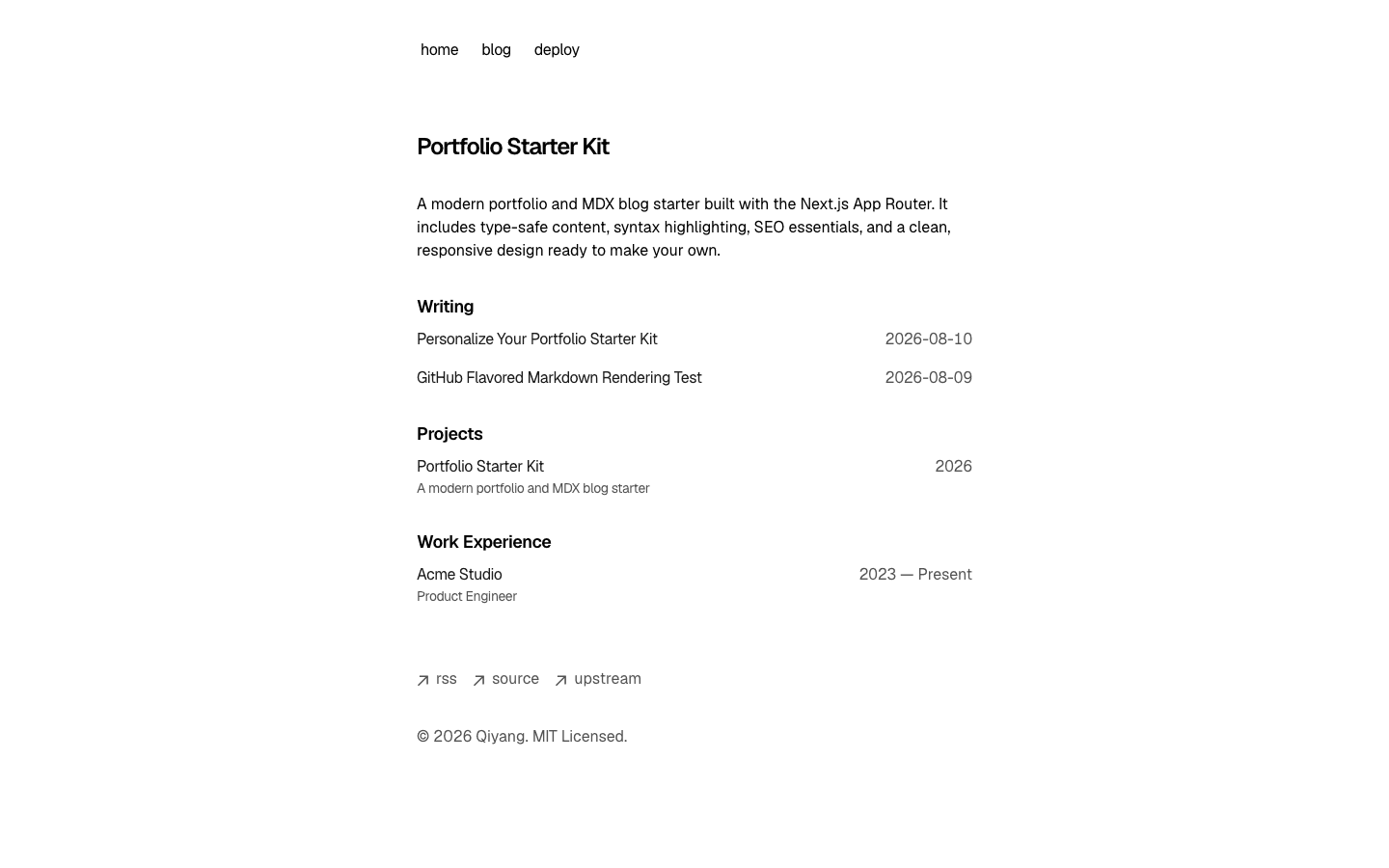
A local image should render with its alternative text and optional title:
Blockquotes
A blockquote can contain formatted text and other block elements.
Quoted list item
Another quoted item
Nested blockquotes should remain visibly nested.
Lists
Unordered lists may be nested:
- First item
- Second item
- Nested item A
- Nested item B
- Third item
Ordered lists preserve their sequence:
- Parse the source
- Transform the syntax tree
- Apply the GFM plugin
- Map elements to React components
- Render the result
Task lists are a GFM extension:
- Headings and paragraphs
- Tables and strikethrough
- Visual regression review
- Light mode
- Dark mode
Table
| Feature | Syntax | Expected result |
|---|---|---|
| Bold | **text** | Bold text |
| Task list | - [x] item | Checked box |
| Escaped pipe | one | two | one | two |
| Strikethrough | ~~text~~ |
Code
Inline code such as const ready = true should remain inside the sentence.
type RenderingCheck = {
  feature: string
  passed: boolean
}

const checks: RenderingCheck[] = [
  { feature: 'gfm-table', passed: true },
  { feature: 'task-list', passed: true },
]- const renderer = 'plain-markdown'
+ const renderer = 'mdx-with-gfm'const a = 10Shiki annotations
Shiki can annotate individual lines with comments. Highlight, warning, error, and info annotations are removed from the displayed code after they are processed:
const ready = true
console.warn('Check the input')
console.error('Request failed')
console.info('Retrying') Focus annotations keep the selected line prominent while muting the surrounding lines:
function normalize(input: string) {
  const trimmed = input.trim()
  return trimmed
}Diff annotations mark additions and removals without requiring the diff language:
const renderer = 'plain-markdown'
const renderer = 'mdx-with-gfm'Line and word highlighting can also be declared in the code fence metadata:
const first = 'highlighted'
const second = 'normal'
const third = 'highlighted'const renderer = 'shiki'
console.log(renderer)Math
Inline math should remain aligned with the surrounding text: .
Display math should be centered and remain horizontally scrollable on narrow screens:
Footnotes
Footnote references should link to definitions at the end of the article.1 A second reference checks numbering and back links.2